The Problem
A high-volume video production company managing dozens of projects at any point in time was struggling to keep on top of project costs and financial visibility. Budgets, suppliers and approvals were spread across a CRM, project management tools, shared spreadsheets, accounting software and internal chat.
Producers manually entered project expenses into the accounting system while budgets and reconciliations lived in separate spreadsheets, and project context sat in a different tool again. Supplier names and coding were inconsistent, finance had to chase information, and reporting was often delayed.
They didn't want yet another system. They wanted a single, reliable way for people to submit expenses, and for those expenses to flow automatically into their existing tools.
Before: fragmented finance workflows spread across CRM, project tools, spreadsheets, and accounting, with producers and finance both doing manual entry.
The Approach
Rather than replacing tools, an AI-driven automation layer was built over the client's existing stack. At the centre is an AI expense agent that acts as the single front door for project expenses, with integrations keeping the CRM, project tools, spreadsheets and accounting software in sync.
"Andy", an AI Super Agent for expenses
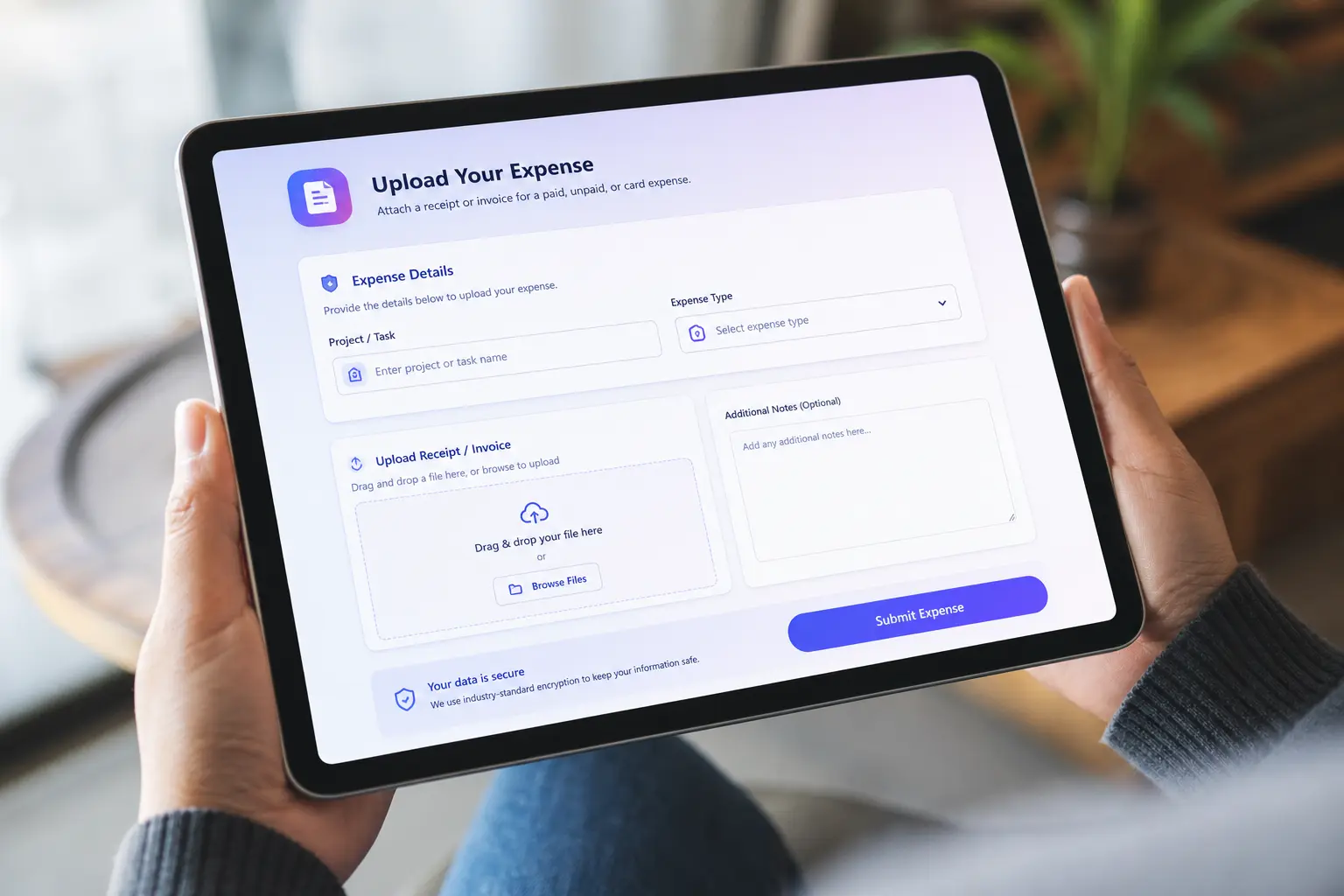
Producers can now submit expenses in two simple ways: by sending a direct message to the AI agent with invoices or receipts attached, or by filling out a guided online expense form. In both cases they choose the expense type, such as reimbursement, company card or unpaid, and link the relevant project or budget line item.
The AI agent reads each file, extracts key details like supplier, total amount including tax (in AUD), a short description and an expense ID, and maps the expense to the right project and line item. It then creates or updates the corresponding records in the project/work management tool and sends a clear summary back to the user for confirmation. If information is missing, the agent asks follow-up questions instead of guessing.
The integration layer: connecting CRM, spreadsheets and accounting
When a new deal is created in the CRM, a templated budget spreadsheet is automatically generated and linked to that deal. When the deal is won, the same budget is linked to the related project, creating a consistent starting point for every job.
As expenses are processed by the AI agent, automations group them by line item and push live totals into the linked budget spreadsheet. Multiple small expenses, such as parking receipts, are automatically bucketed together so the budget stays readable and easy to reconcile.
At the same time, each expense is sent into the accounting system. The selected expense type controls how it is treated (for example reimbursement, company card payment or unpaid/AP), and every entry is tagged to the correct project, line item, supplier and value using consistent naming.
In short, the AI agent provides a simple experience for producers, while the integration layer keeps all the underlying systems aligned.
Tech stack

After: the AI agent handles intake, extracts structured data, and pushes it through automated pipelines to every system, no manual entry required.
The Results
After implementing the AI expense agent and integration layer, the client's finance workflow became faster, cleaner and more reliable.
Producers now submit invoices in seconds from tools they already use, without logging into the accounting system or updating spreadsheets. Finance teams no longer re-key the same data, and supplier names, project codes and line items stay consistent across CRM, project tools, spreadsheets and accounting.
Budget spreadsheets update as expenses are submitted, giving near real-time visibility of project spend and helping finance spot overspend or underspend earlier. Reconciliation cycles are shorter, and there is less back-and-forth to fix errors or find missing information.
Most importantly, the AI agent acts as a friendly, single touchpoint sitting over a complex stack, so the team feels like they are working in one joined-up system rather than several disconnected tools.

The automated pipeline turns producer-submitted expenses into reconciled accounting entries without finance touching a single spreadsheet cell.
How this connects to the services offered
Custom AI agents like this are part of the services offered:
- Designing and building AI agents to handle structured workflows such as expenses and approvals
- Connecting CRMs, project tools, Google Sheets and accounting platforms with automation
- Redesigning finance workflows so humans focus on decisions, while AI and automation handle repetitive admin
If your organisation is still relying on manual expense entry and scattered spreadsheets, the same pattern can be tailored to your tools, team structure and finance processes.