The Problem
Producing high quality product video content at scale is traditionally slow and expensive. Each new product usually needs its own shoot, edit and approvals, which quickly becomes unmanageable when ranges change frequently or when there are dozens of SKUs across categories like electronics, homewares and seasonal items.
The goal was to create an AI-first product campaign built entirely from generic stock environments and client-provided product images, while still feeling polished and production ready. The solution needed to support a wide mix of products, respect brand and copyright constraints around well-known properties, and be structured in a way that can later be automated and reused.
AI-generated product videos created from stock backgrounds and client assets, with flexible scenes that can be reused across laptops, fans, decor and more.
The Approach
Building an AI-first product scene
The process started by selecting generic stock imagery and video as flexible backdrops for the campaign environments. Client product images were ingested into a dedicated Magnific Space, then background-removed to isolate each item and make it easier for the AI to understand where and how products should appear in frame. Renaming files to clean, simple labels made prompting more reliable and helped avoid issues with brand-sensitive terms being included in filenames.
Instead of treating AI as a small add-on, the entire scene was designed around AI from the beginning. Static backgrounds were often preferred over busy videos, then brought to life with subtle camera moves and motion, giving the final clips a more natural, three-dimensional feel.
Why Magnific and Seedance
Magnific was chosen as the primary platform because its Spaces feature makes it easy to connect prompts, reference assets and video generators on one shared canvas and reuse that setup over time. Within Spaces, Seedance 2.0 was used as the main video model due to its ability to accept multiple references and create cinematic, multi-shot videos with stable motion and clear camera control. Different Seedance variants were used depending on the shot: high-quality settings for hero scenes, and faster versions for close-ups and cutaways where speed and cost efficiency mattered more than ultra-fine detail.
This combination allowed for a flexible yet controllable workflow: reference images for the environment, background-removed products as focal points, and a series of camera directions and timings handled through prompts and Magnific's prompt tools.
Tech stack
Designing shots that AI can understand
To keep results consistent, scenes were structured so that important objects were already present in the first frame. The camera could pan or slowly push in, but new hero items did not suddenly enter frame. Multiple products in one shot were used sparingly, as this made consistency and continuity harder to maintain.
Logos were treated carefully and often managed through framing or light post-production. When dealing with products associated with well known brands and characters, prompts were written in generic terms such as "the figure" or "the object" to reduce the likelihood of copyright filters triggering, while still producing recognisable behaviour and motion within the scene.
The Results
The final outputs are production-ready product videos that place a wide variety of items into cohesive, realistic scenes that can be used across social, web and retail channels. Because the environments are built once and powered by AI, a single living room, desk, or outdoor setting can support many different products without the cost of reshoots.
The workflow now makes it possible to spin up product-led campaigns that feel tailored to each SKU while maintaining a consistent look and feel. See Automated AI Product Video Pipeline for the managed video production service. Whether the hero is a fan, a laptop or a decorative piece, each clip can share the same visual language, making it easier for audiences to recognise the brand and for marketing teams to brief, approve and ship creative faster.
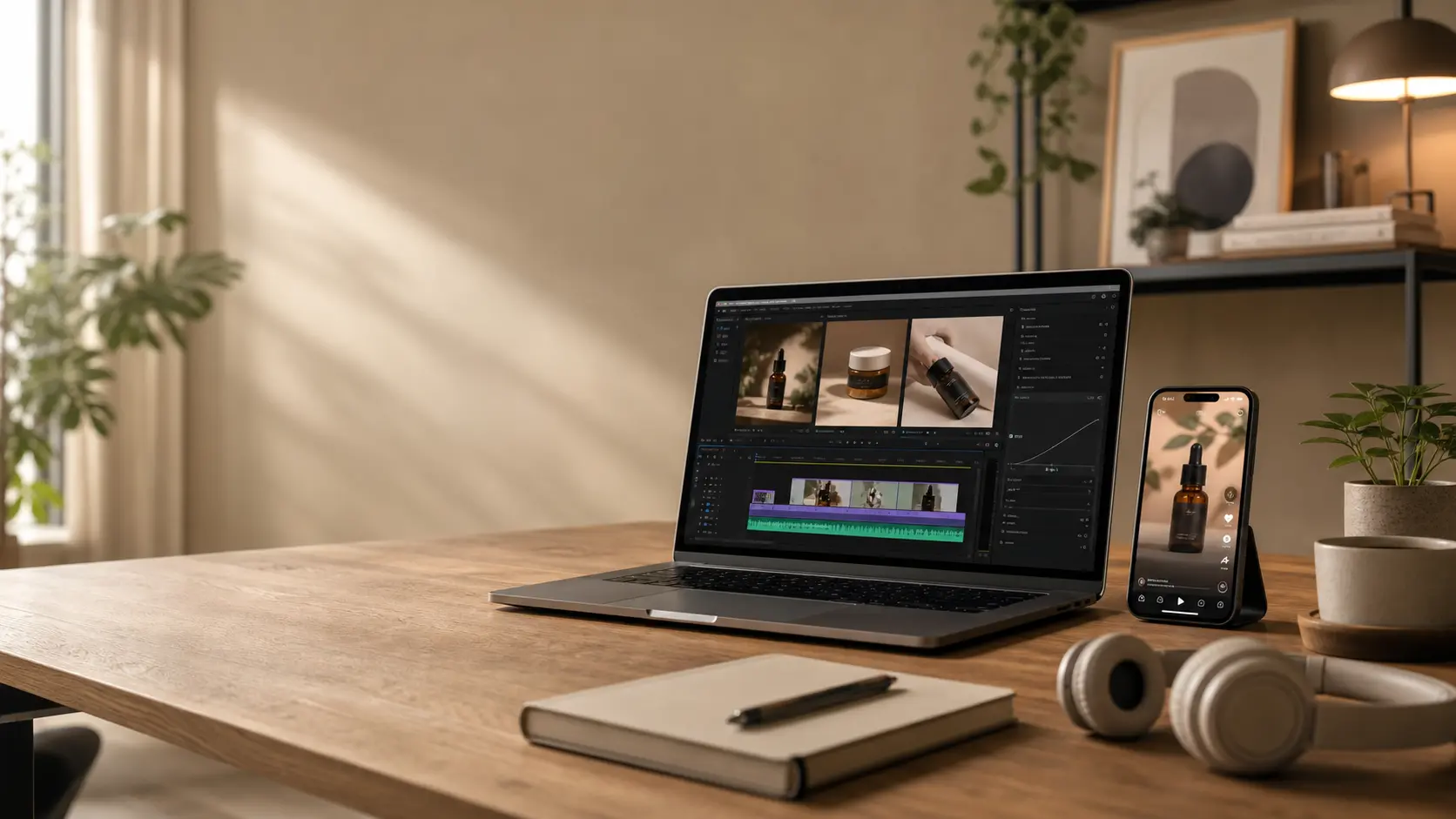
The workflow turns stock backgrounds and product images into production-ready video campaigns, with environments that can be reused across any product type.
The Process
-
Asset preparation
Import client product images into a Magnific Space. Use background removal to isolate every product. Rename each asset with short, neutral labels to make prompting clearer and avoid brand names being embedded in filenames.
-
Scene design and prompt structure
Choose a generic stock image or video as the main background for each environment. Use Magnific's Video Generator node with Seedance 2.0, attaching the background and relevant product assets as references. Define 10 - 15 second sequences that include two or three camera shots, clearly describing a wide establishing frame, a hero product close-up and a secondary detail shot. Refine the language using Magnific's prompt tools, then apply the final prompt and generate clips one at a time for quality control.
-
Multi-clip variations
Where more precise control is needed, generate individual 5-second clips for each camera angle and later stitch them together in the edit. Use static mock-up images as optional guides when exact product placement matters more than dynamic motion.
-
Output and finishing
Generate videos at 720p to conserve credits. Upscale approved clips to 4K using an AI upscaler for final delivery. Apply light colour and logo refinements as needed to align with brand guidelines.
Key takeaways
- Build reusable scenes, not one-off shoots. A single living room, desk, or outdoor setting can host dozens of products when the workflow is structured around AI from day one.
- Treat AI as the director, not just a filter. When scenes and shots are designed for AI comprehension rather than retrofitted to traditional edits, the outputs are more consistent and predictable.
- Generic prompting wins on copyright-sensitive projects. Using neutral terms like "the figure" or "the object" maintains the AI's visual behaviour while avoiding content filters, keeping the workflow viable for big-brand clients.